
Home App
TCL Home App
The smart way to control your TCL devices
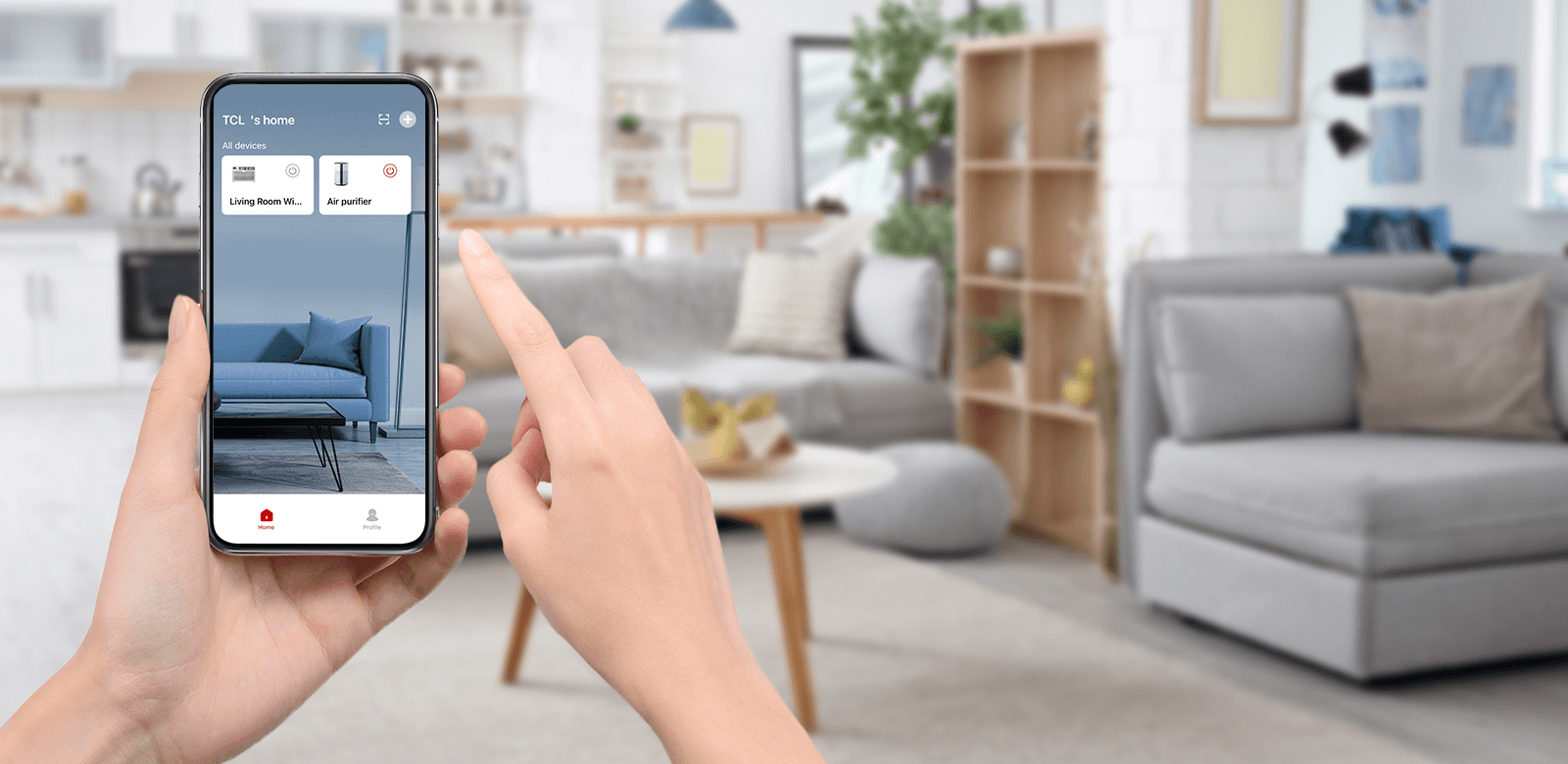
TCL’s WiFi-enabled appliances use your smart phone to open up a new world of capabilities for your home comfort appliances with advanced controls directly in the palm of your hand. Download and connect your device to explore how TCL makes improving your comfort simpler and more convenient.
Experience A Smarter Level of Home Comfort
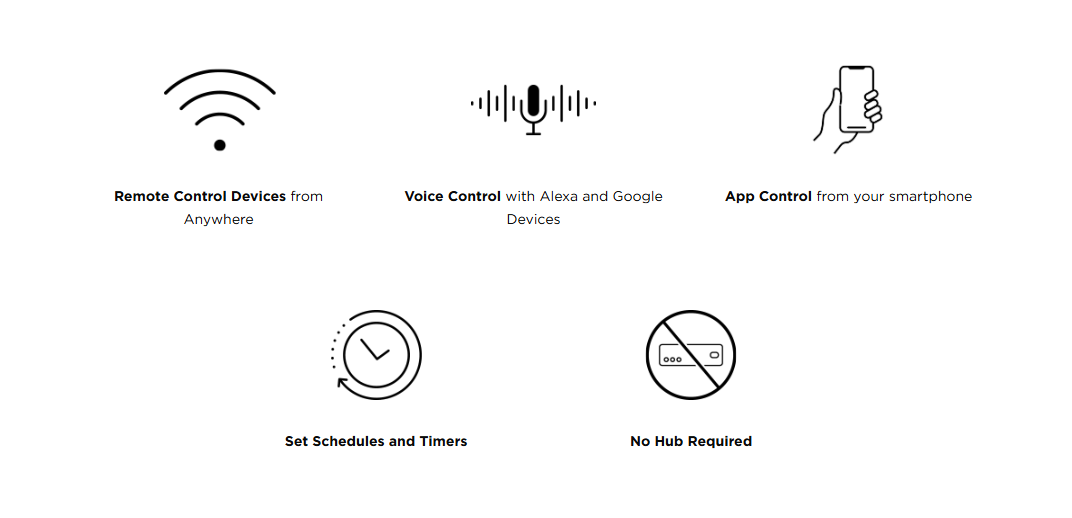
Set Up and Enjoy in Minutes
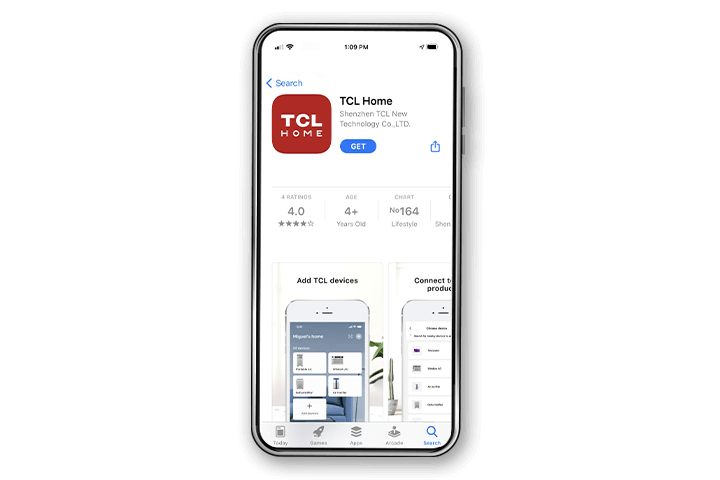
Step 1
Download the TCL Home App
Once downloaded, open the TCL Home app.


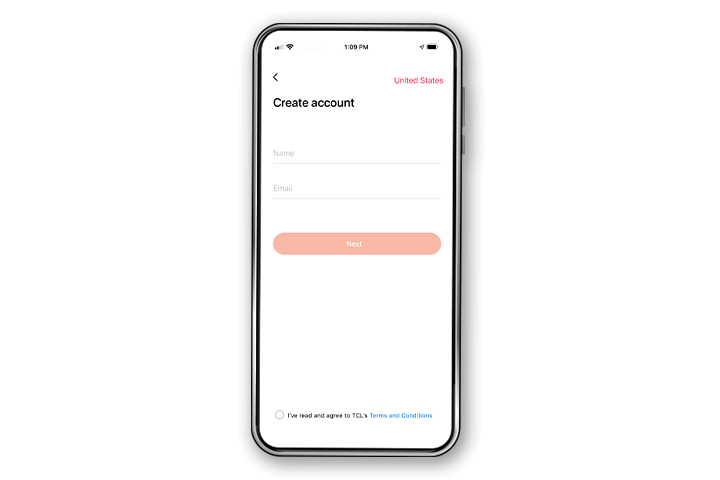
Step 2
Create an Account
Create an account using your email. You will be sent an activation email with a code to verify your account.
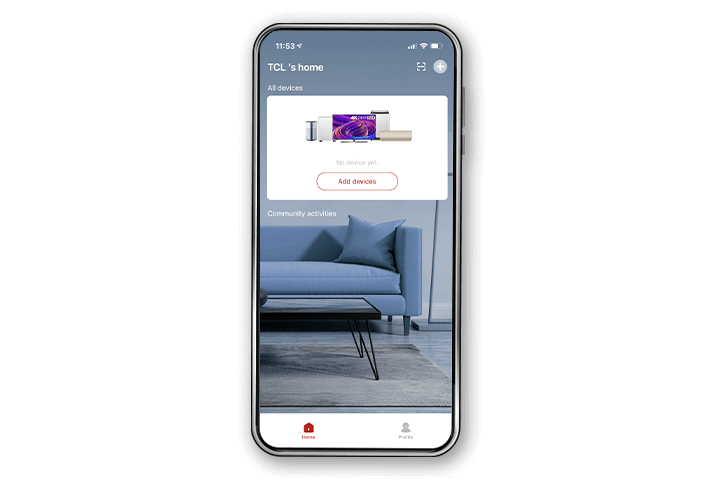
Step 3
Add your device
Select “Add Device” or the “+” icon, choose your device, and follow the simple in-app instructions.
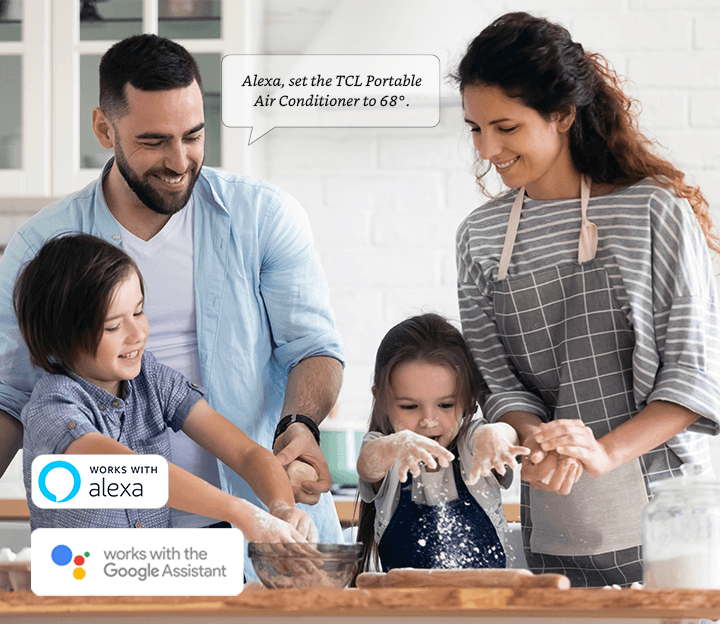
Easy Voice Control
The power of simple voice commands and TCL helps to redefine the meaning of home comfort. No more searching for the remote or unlocking your phone, simply ask Alexa or Google Assistant for comfort on demand.
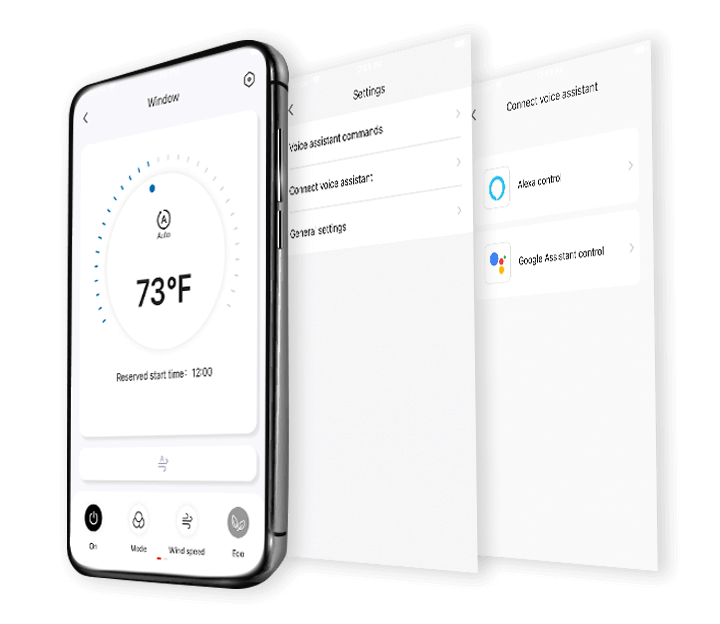
Setup Voice Assistants
Setting up your TCL device with Alexa or Google Assistant is easy.
1. Go to your TCL device’s home screen and select settings (top right corner).
2. Click on Connect Voice Assistant
3. Click on your voice assistant to be automatically taken to the skills page to link your account.
4. Enjoy!
Get Help Fast
Have questions about downloading and setting up the TCL Home app? No worries! We are here to help.